

This post is not sponsored by Cricut, but affiliate links are used. Buuuut the giveaway was donated by Cricut along with some of your favorite bloggers. 🙂
Gooooood morning! I’ve been waiting all week for this post! Eek! I am so excited to be partnering with some of my favorite bloggers to bring you a fun Mother’s Day blog hop along with a fun giveaway that includes TWO prizes ~ one for you & one for your Mom. How cool is that?! So you’ll want to keep reading after I share this quick Personalized Vase tutorial with you! 🙂


I personalized this vase for Mother’s Day, but what I love about vinyl & my Cricut is that you could personalize this project in just about any way you’d like to! Annnnd with the hundreds of designs in Design Space, you’ll never run out of designs to use. 🙂
For this project you will need:
Cricut Vinyl
transfer tape
StandardGrip Cutting Mat
Cricut Explore Air 2 or Cricut Maker
essential tool set
glass vase (I found this one at Goodwill for less than $2.)
flowers
this Design Space file
First, you’ll cut out all the pieces of your design. I usually use my Cricut Maker, but with projects like this the Cricut Explore Air 2 works perfectly! It’s the perfect machine to cut vinyl with. Vinyl is my favorite! 🙂

It’s super easy to use. Just turn the dial to vinyl.

Annnnd then send your design to the machine to cut out. Easy peasy! 🙂

Then I weeded everything & put transfer tape on top.

My favorite part is coming up next! Applying the vinyl! 🙂

Vinyl sticks to glass so easy! So make sure you have it in the right spot when you go to apply it.

I love using all the different colors of vinyl together!

So, I just added each layer of vinyl one by one.

Very cute!

You might of noticed that I changed the black vinyl to white vinyl. The black words didn’t show up all once the flowers were in the vase. ha! That’s the great thing about vinyl. You can easily change it up!


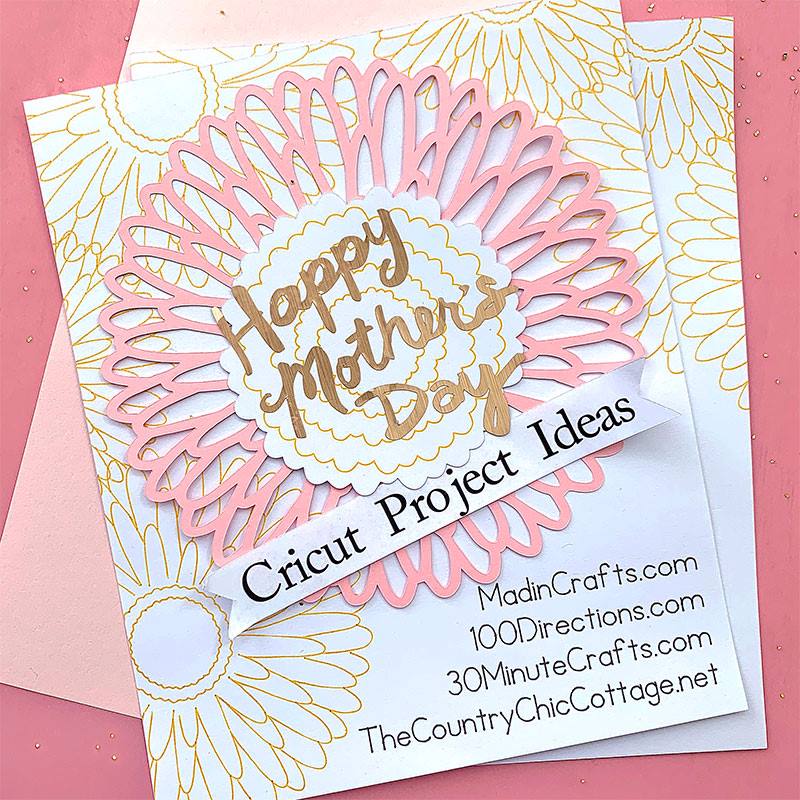
Check out these other fun Mother’s Day projects. 🙂
Alright, are you ready for that giveaway? Wahoo! 🙂 Enter below to win a Cricut Explore Air 2 & a $125 Amazon gift card for YOU and a Cricut Explore Air 2 & a $125 Gift Card for your MOM! Eek! So fun! Good luck! 🙂

Let me know what fun Mother’s Day gift ideas you’ve done or are thinking about giving this year!
Please pin this post for later. 🙂
Thank you so much stopping by my blog!
If this is your first time visiting, I’d love to keep in touch.


Leave a Reply